
When I bought my own domain I didn't want to pay for Google Workspace just to have email on it. On top of that I had the Outlook app open and Gmail in a browser tab. I wanted to see every email from Gmail, Outlook and my own domains in one app. So I built one and called it bMail. The b stands for Baree.
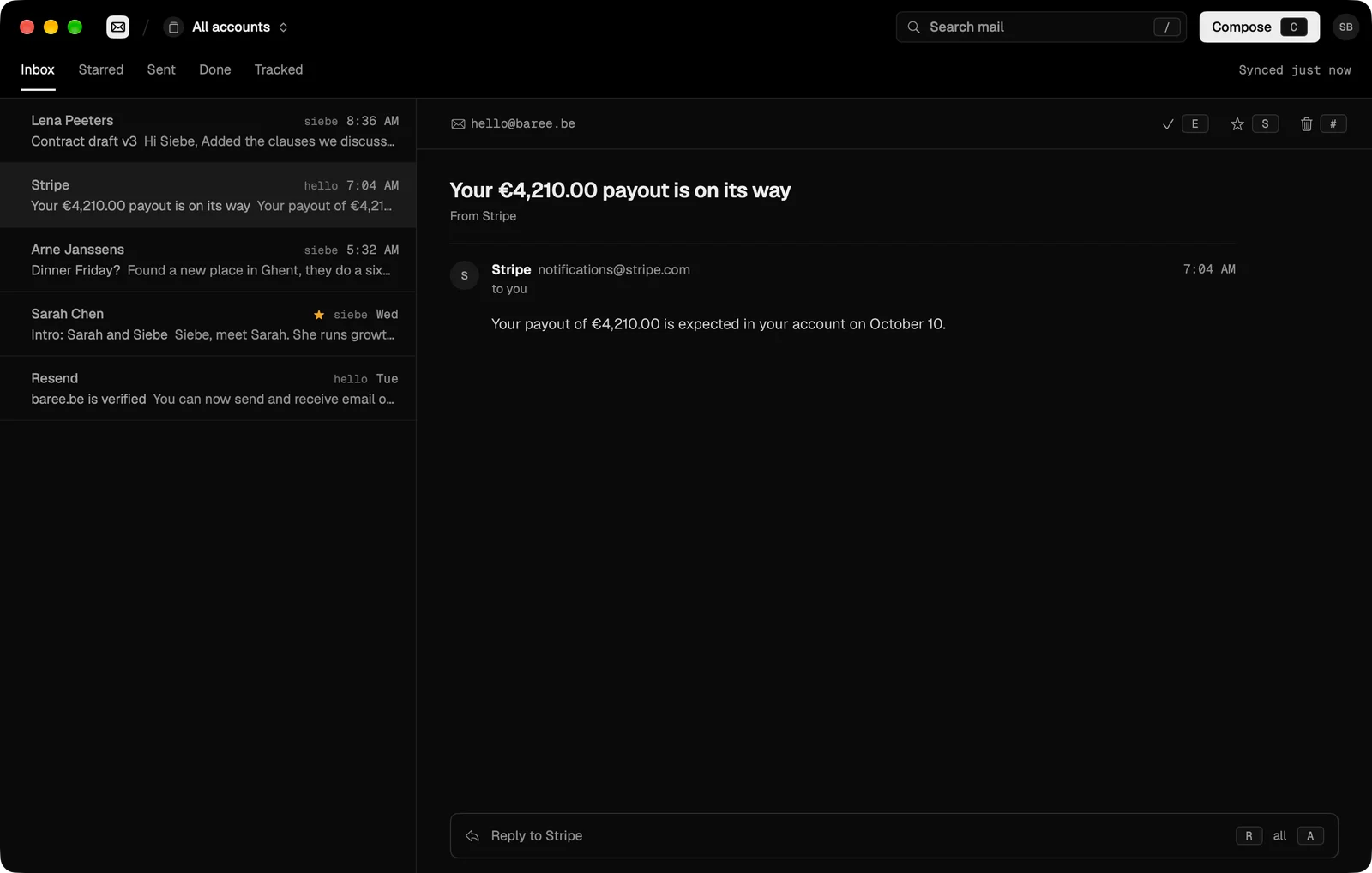
bMail runs my own domains without Google Workspace. I type in a domain, copy the DNS records it gives me and every address on that domain lands in the same inbox as my Gmail and Outlook.
I also wanted it to feel like it works offline. All your mail is stored on your Mac, so opening a conversation, archiving or searching happens instantly. Syncing happens in the background, and when you're offline your changes simply wait until you're back.
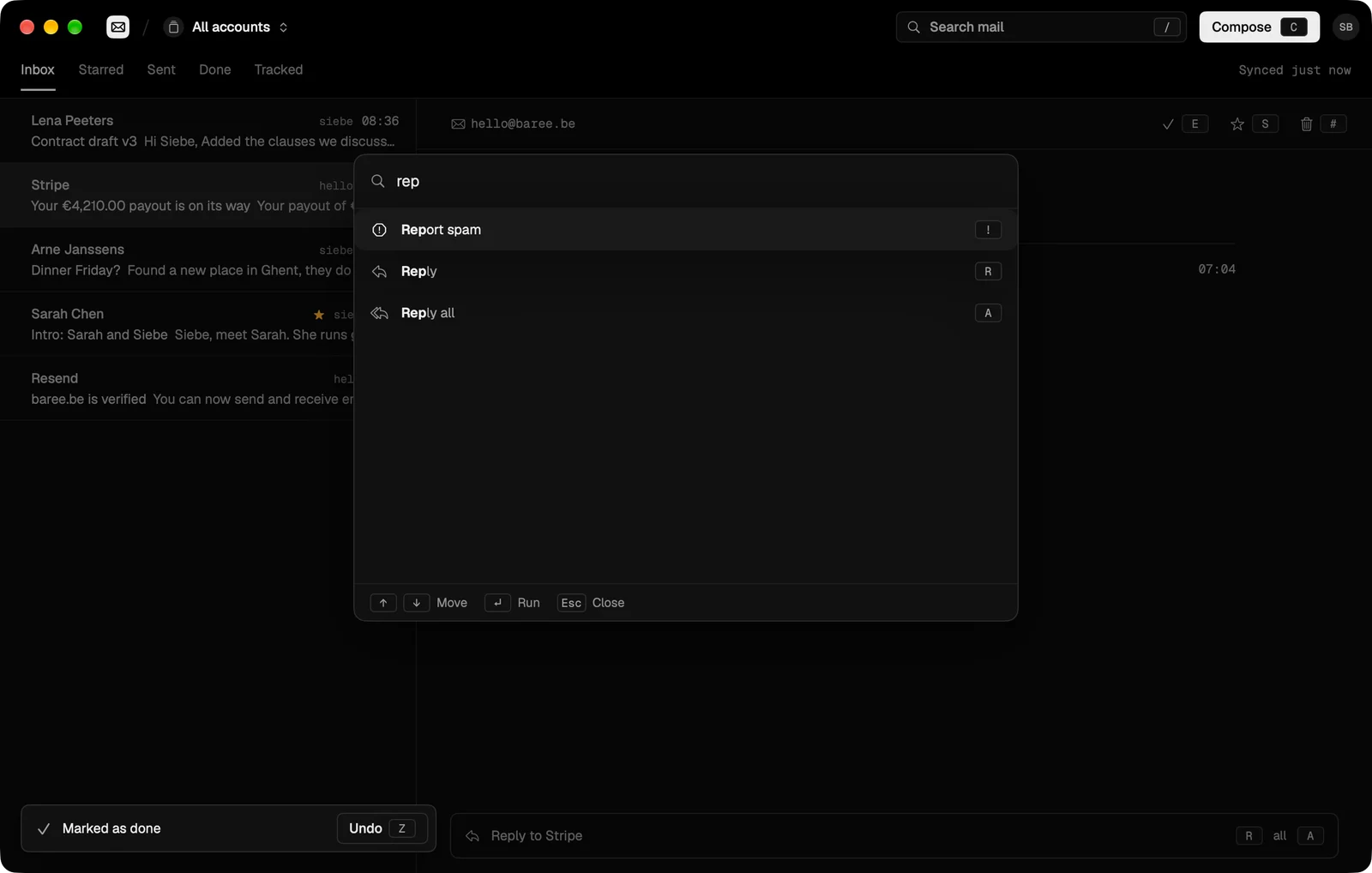
It's built for the keyboard. J and K move through your mail, E marks it done, C writes a new one and ⌘K opens every action. Every mail waits ten seconds before it sends, so you can still take it back.
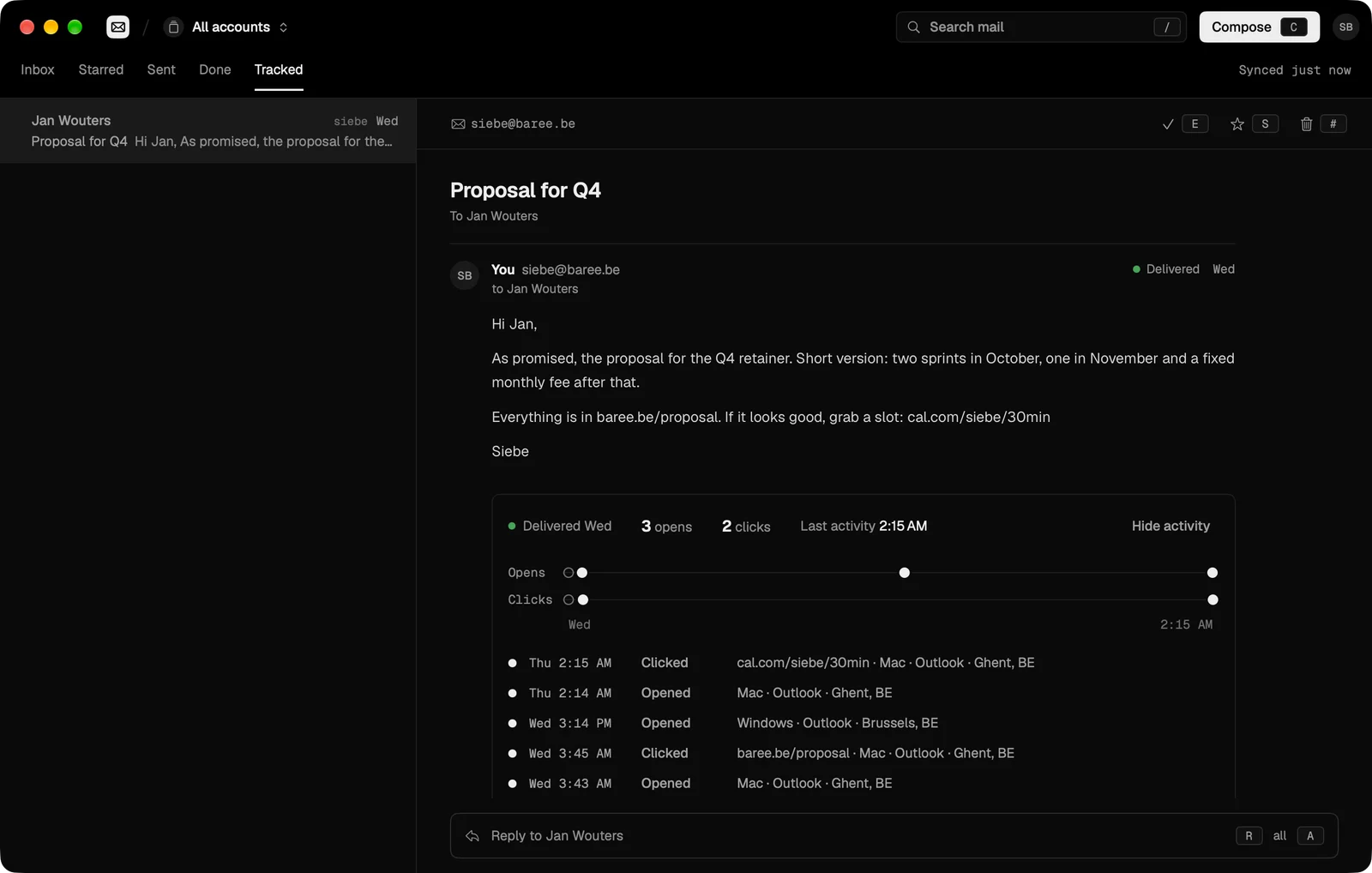
For mail from your own domains you can switch on open and click tracking per message and see when and where it was read. Apple's privacy protection and link scanners are filtered out, so a fake open never fools you.
bMail is a native Mac app and it's open source, so anyone can install it.
Looking for a technical co-founder?
I'd love to meet someone to start a new company with. I'll be in San Francisco from November 3 to December 3 to meet potential co-founders.
Let's talk